
Set up Exchange EMail on iPhone, iPad, or iPod
Follow these steps to setup your Exchange account your iOS device:
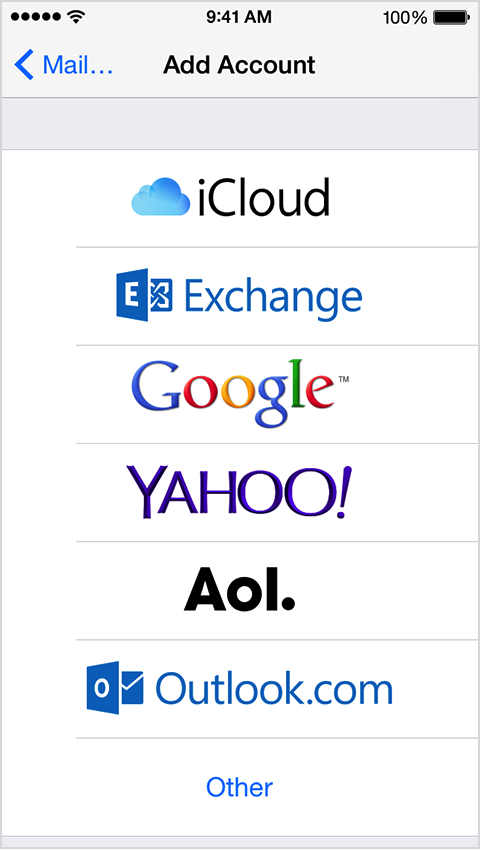
1. Tap Settings > Mail, Contacts, Calendars > Add Account > Microsoft Exchange.
 |
|
2. Enter the information in the fields below, then tap Next:
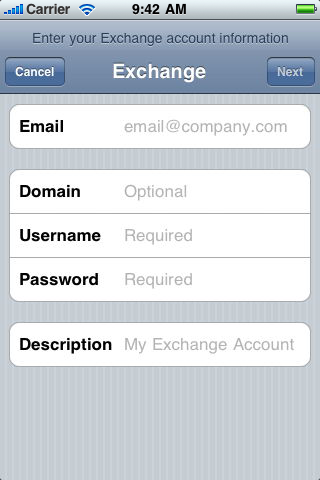 |
Email: firstName.lastName@ascp.org Domain: ASCP.ORG Username: 'The username you use to log into your computer.' Password: 'The password you use to log into your computer.' Description: ASCP |
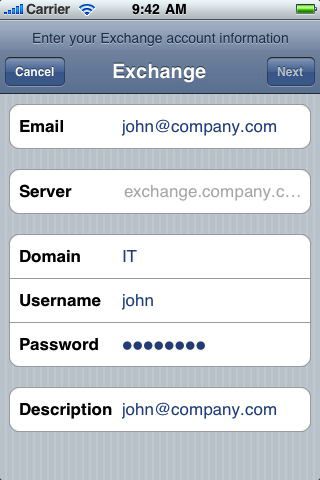 |
Email: firstName.lastName@ascp.org Server: mail.ascp.org Domain: ASCP.ORG Username: 'The username you use to log into your computer.' Password: 'The password you use to log into your computer.' Description: ASCP |
 |
|