
1. Download or Open Microsoft Outlook App.
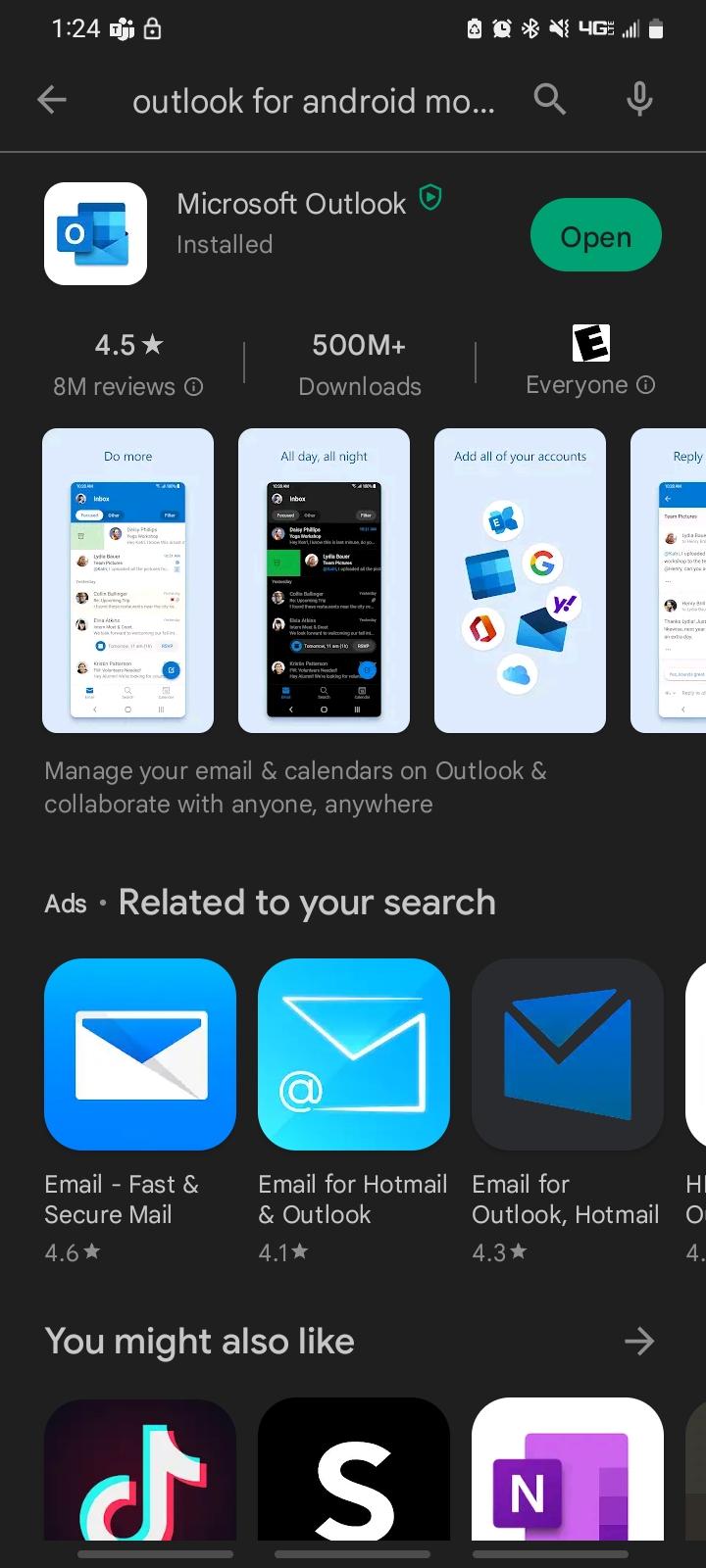 | If you already have the Microsoft Outlook app then open it up. If not, then go to the Google Play store and download it. |
2. Open Microsoft Outlook App.
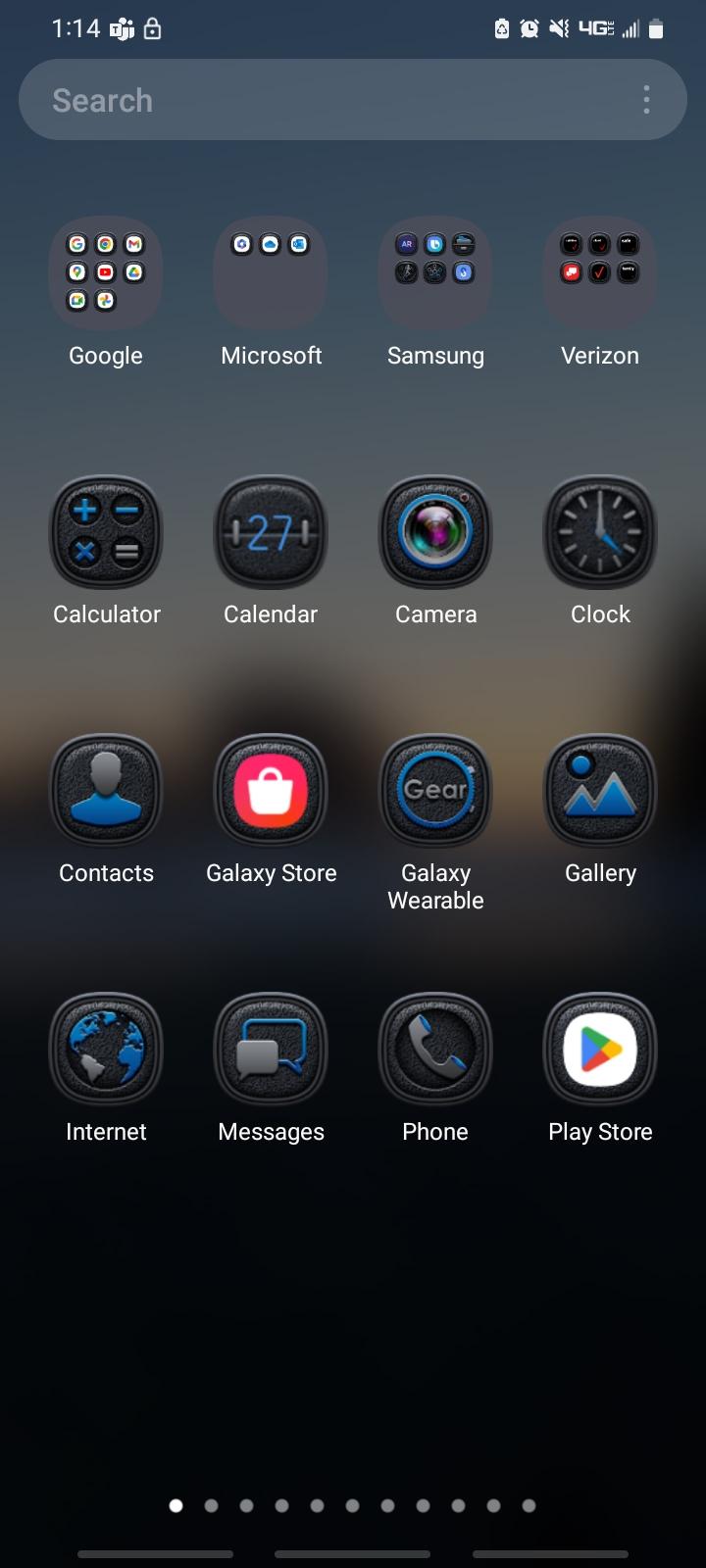 | Use your phones search function to find and open your Microsoft Outlook App. |
3. Click on Add Account.
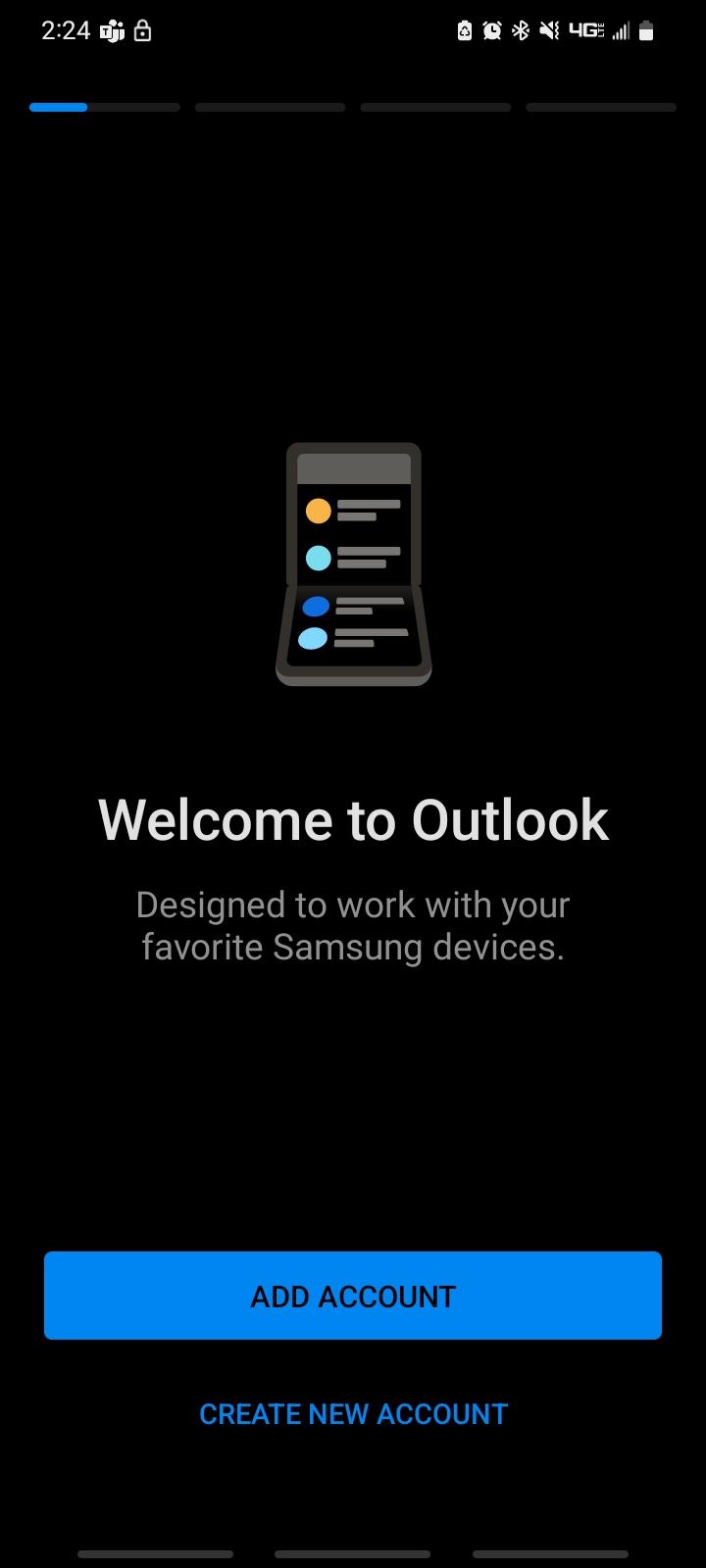 | |
4. Click Continue or Click your account.
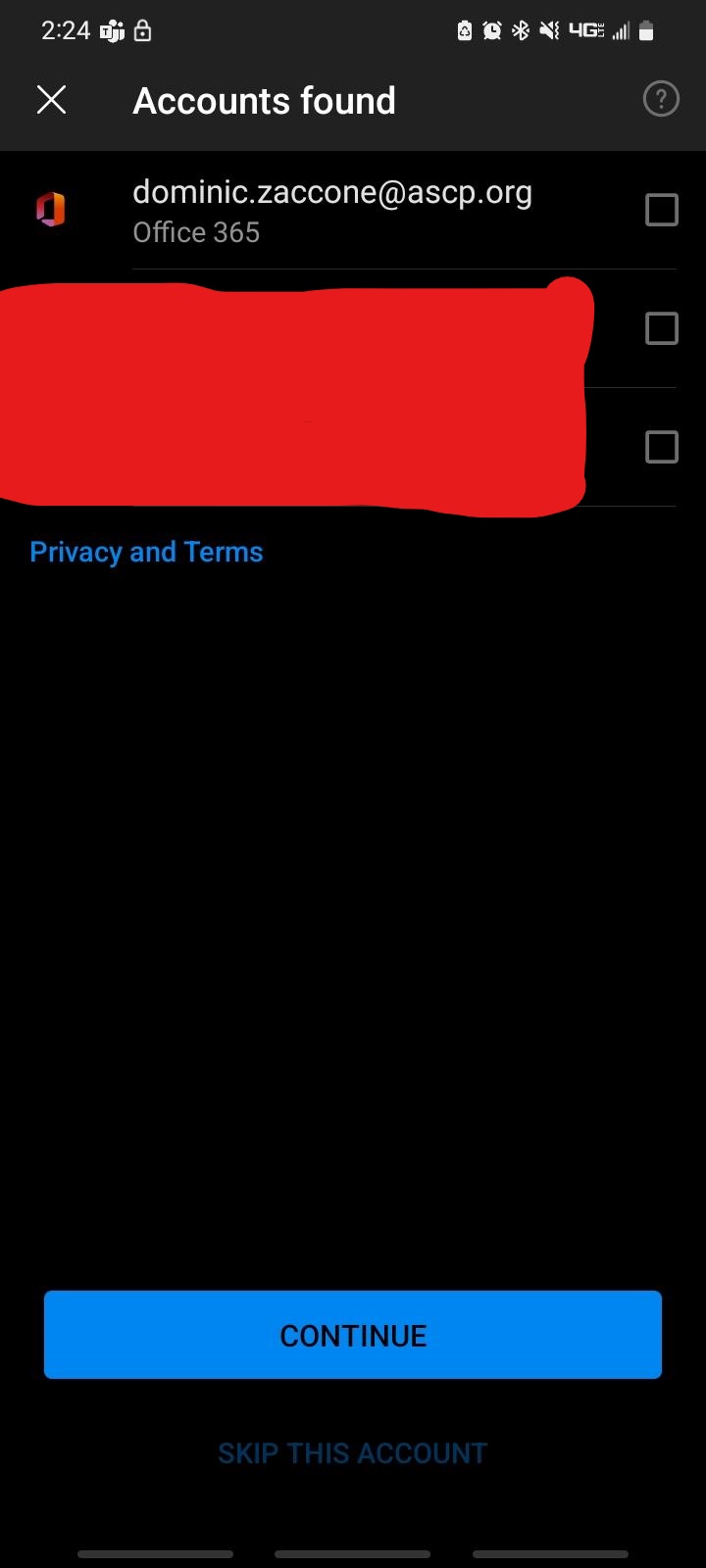 | If you have signed onto your Microsoft Outlook account on this device before you will see it on this screen. You can check the box next to your account and click continue. If you do not see anything on this screen you can just click continue. |
5. Enter your E-mail address.
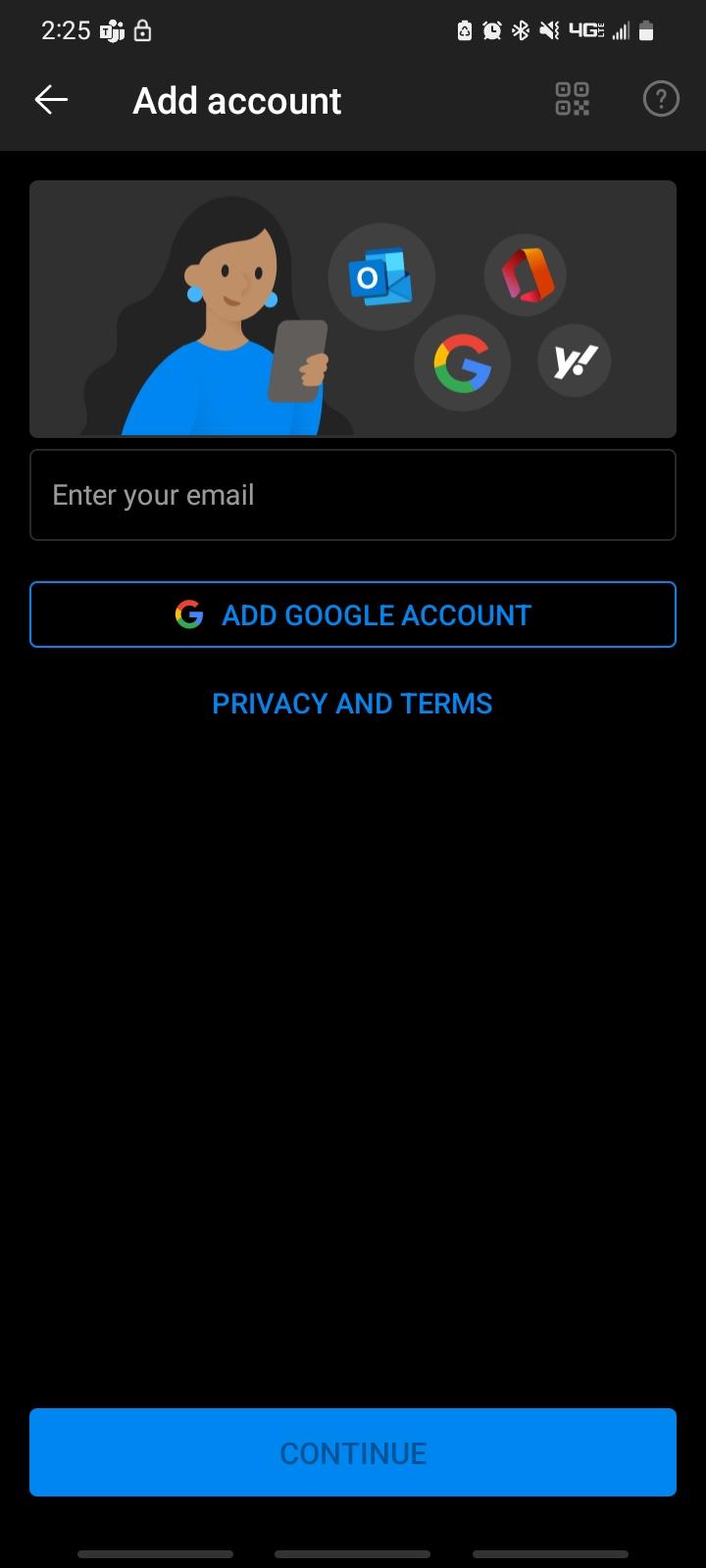 | On this screen enter your email and select continue. you will be asked to enter your password on the next screen. Email: firstname.lastname@ascp.org |